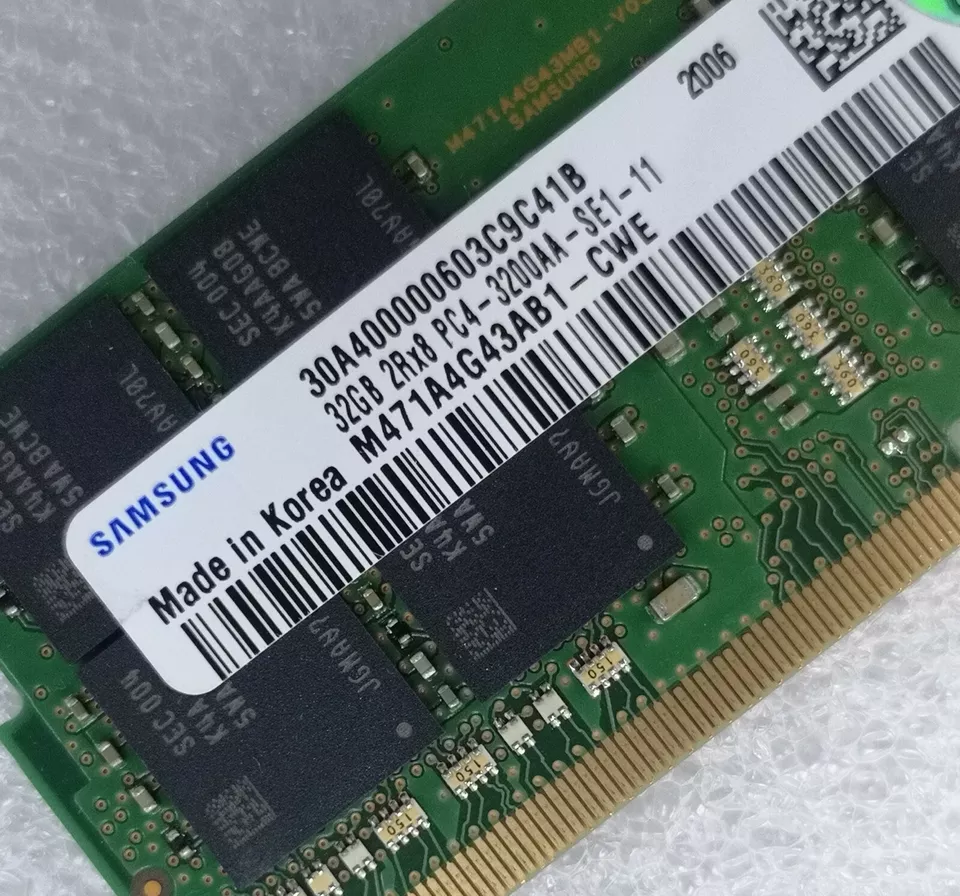
$51.62
$73.3
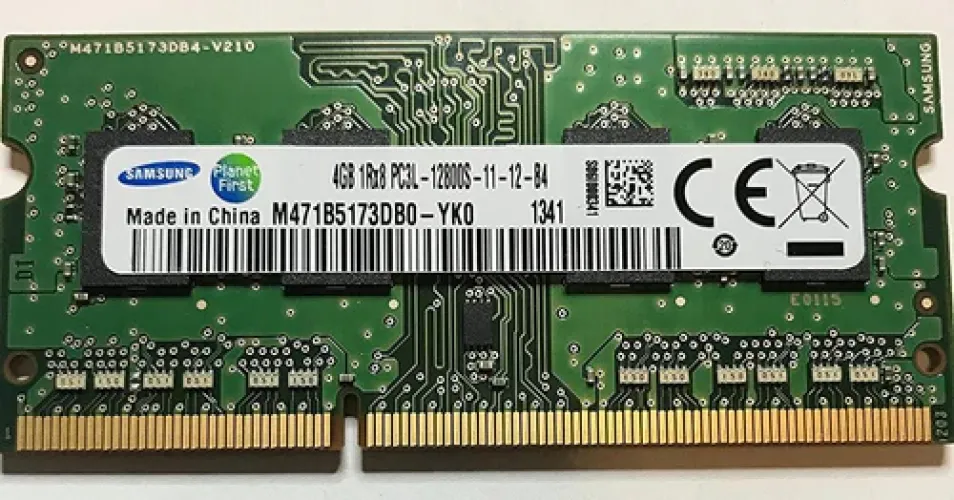
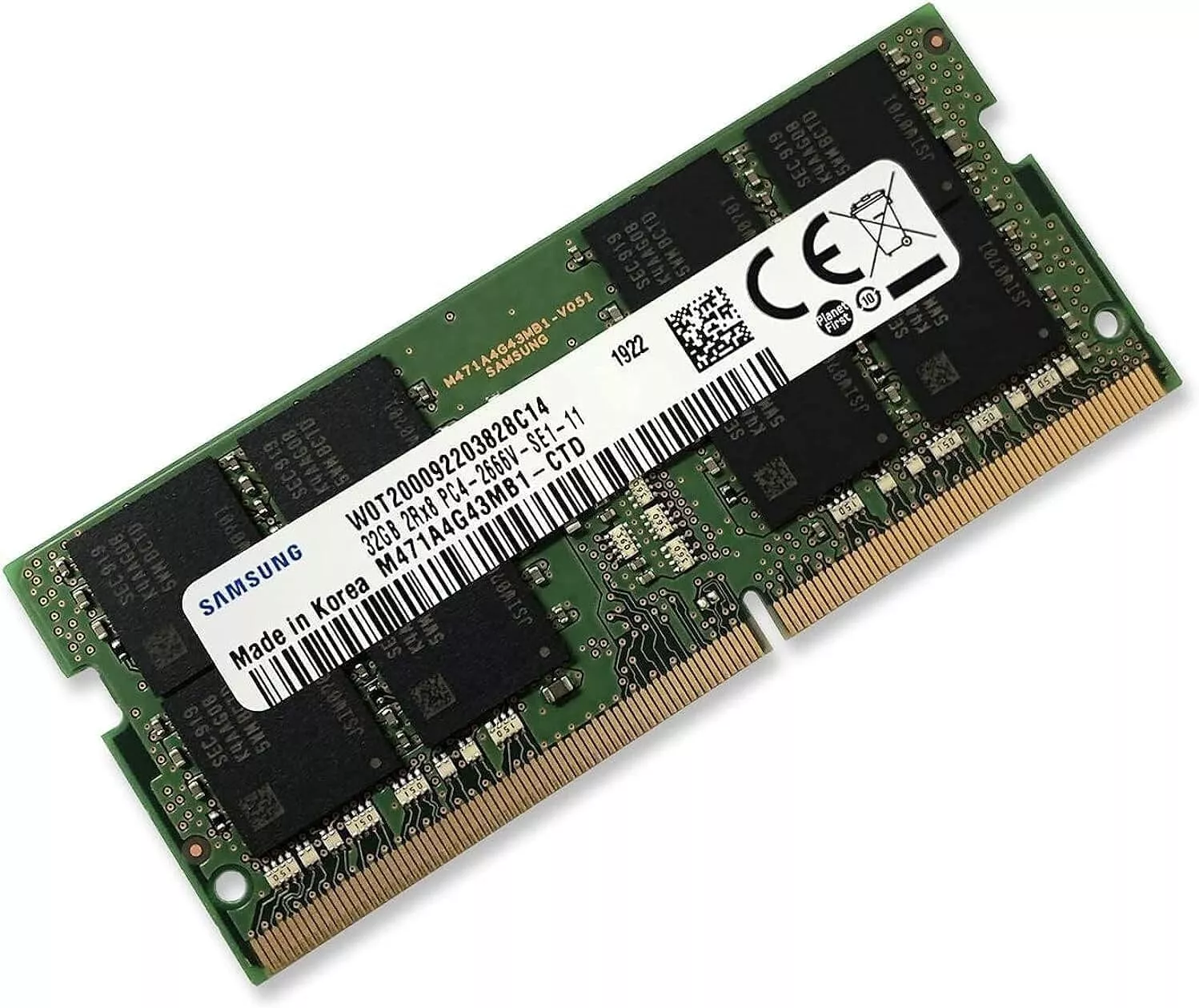
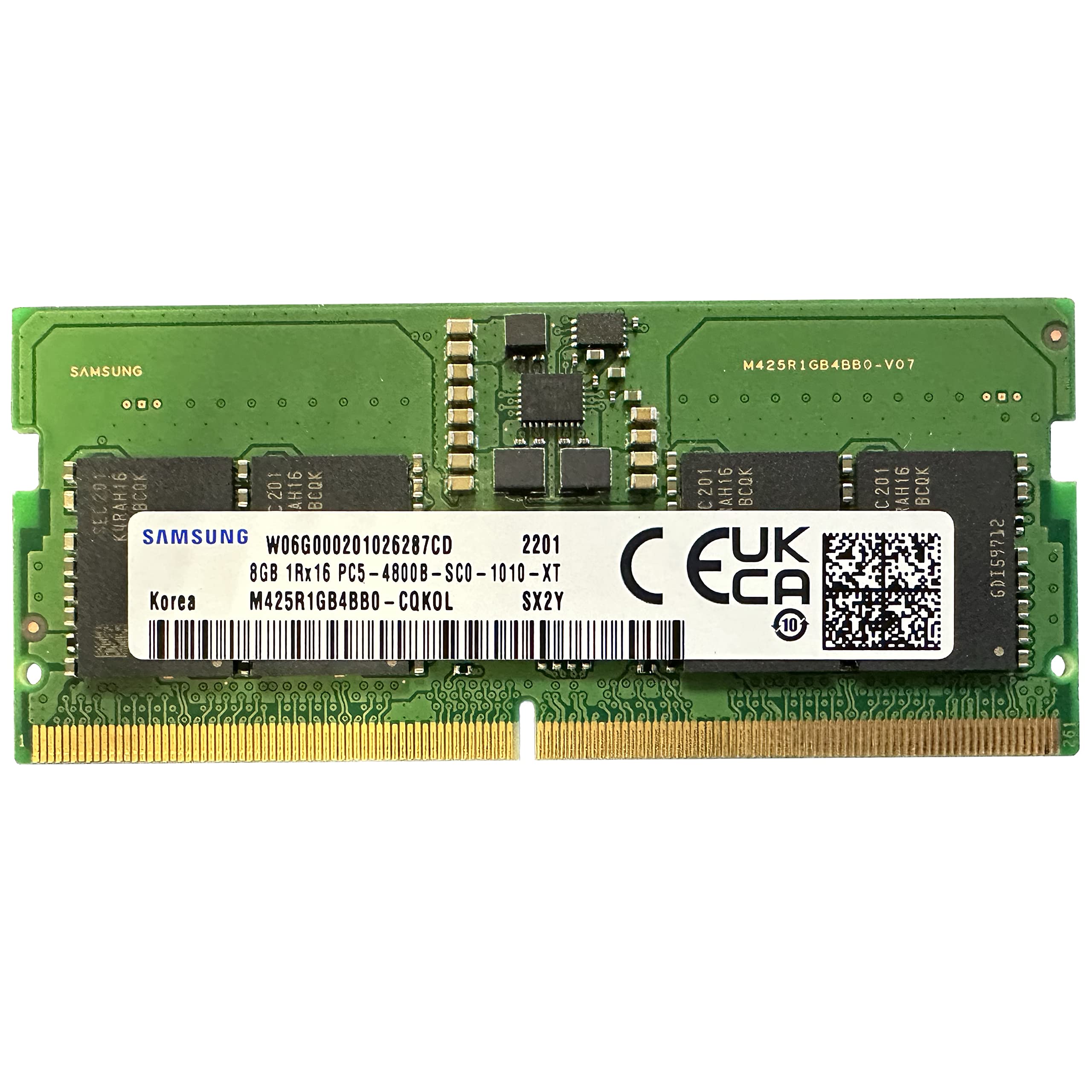
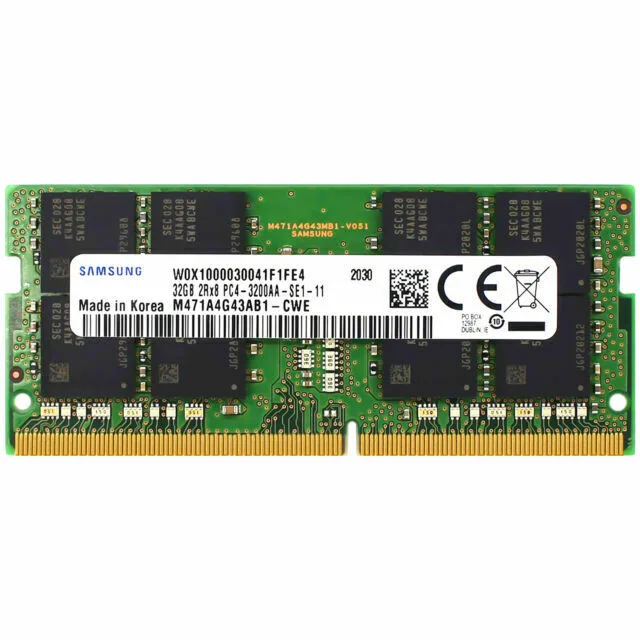
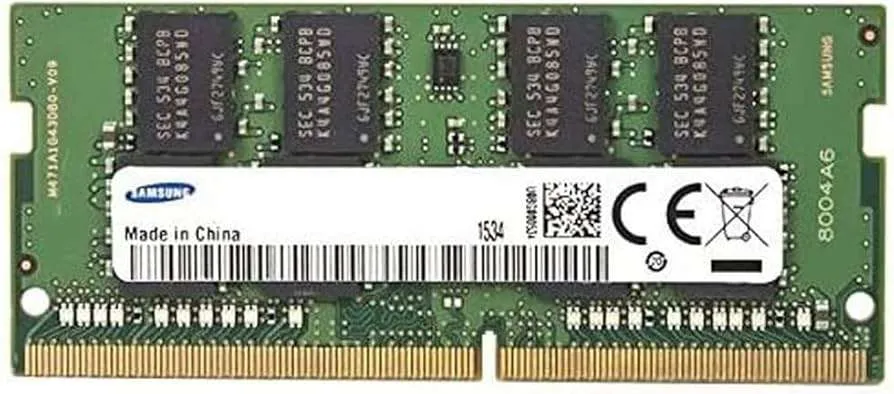
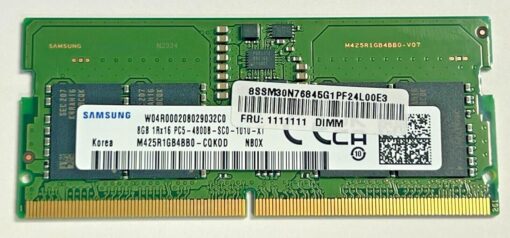
Description Samsung 4GB DDR3 1600MHz Laptop RAM: A Comprehensive Guide When your laptop begins to slow down, lag, or freeze during routine tasks, a memory upgrade is often the most cost-effective solution. One of the easiest ways to give your system new life is by installing additional RAM. The Samsung 4GB DDR3 1600MHz Laptop RAM offers an ideal balance between performance, reliability, and affordability—especially for users with older laptops that still use DDR3 technology. Whether you’re a student, office worker, or casual user, this compact yet powerful RAM module can greatly improve your laptop’s responsiveness and multitasking capability without breaking the bank. �� Product Overview Samsung is a global leader in memory technology, and their DDR3 laptop memory modules are well-regarded for their quality and stability. The Samsung 4GB DDR3 1600MHz Laptop RAM (Small Outline Dual Inline Memory Module) is built to support a wide range of laptops, netbooks, and small form factor PCs. Despite being a legacy product in today’s DDR4 and DDR5 era, it remains an essential upgrade for older laptops that are still widely used for work, school, and daily computing. �� Key Specifications Type: DDR3 SDRAM Form Factor: 204-pin SO-DIMM Capacity: 4GB (single module) Speed: 1600MHz (PC3-12800) CAS Latency: CL11 Voltage: 1.35V (Low-voltage, DDR3L) Rank: Single Rank Buffered/Unbuffered: Unbuffered ECC: Non-ECC (Error Correction Code not supported) Operating Temperature: 0°C to 85°C Storage Temperature: -55°C to 100°C Warranty: Limited lifetime (via official distributor or manufacturer) These specifications demonstrate that this Samsung 4GB DDR3 1600MHz Laptop RAMmodule is not only efficient but also optimized for stability and longevity under regular usage conditions. ⚙️ Performance Benefits 1. Enhanced Multitasking A laptop with only 2GB or 4GB of RAM often struggles to run modern software smoothly. With the Samsung 4GB DDR3 1600MHz module, users can increase total memory to 8GB (when paired with another 4GB module), which significantly enhances multitasking. You’ll be able to open multiple browser tabs, stream HD videos, and work on documents simultaneously without slowdowns. 2. Improved Application Load Times At a speed of 1600MHz, this module facilitates faster access to data by the processor. This leads to quicker application startup times, smoother software transitions, and a more responsive overall computing experience. Even lightweight photo editing, accounting software, and learning platforms will benefit from the increased memory bandwidth. 3. Energy Efficiency and Thermal Control Operating at 1.35V, Samsung 4GB DDR3 1600MHz Laptop RAM is designed to consume less power than standard DDR3 (1.5V). This is a significant advantage for laptops, as it directly contributes to improved battery life and reduced heat generation. Less heat also means quieter operation, as the cooling fan runs less frequently and less aggressively. 4. Reliable Performance for Legacy Systems Although Samsung 4GB DDR3 1600MHz Laptop RAM is no longer the newest memory standard, millions of laptops in use today—especially in schools, offices, and developing markets—still rely on it. Samsung’s memory modules are factory-tested to ensure reliable performance even in aging systems, making this upgrade a reliable investment to extend the useful life of your laptop. �� Compatibility and System Requirements Before upgrading, it’s essential to verify that your laptop supports Samsung 4GB DDR3 1600MHz Laptop RAM. Key compatibility notes: Form Factor: Your laptop must have a 204-pin Samsung 4GB DDR3 1600MHz Laptop RAM (standard for DDR3 laptop RAM). Memory Speed Support: Most laptops with Intel 2nd to 4th generation Core i3/i5/i7 processors or AMD A6/A8/A10 APUs will support 1600MHz RAM. Capacity Limits: Many laptops have two memory slots. If you’re upgrading from a 2GB module, replacing or adding a 4GB stick will bring you up to 6GB or 8GB depending on your configuration. BIOS Limitations: Some laptops may have BIOS limitations that restrict RAM compatibility. Check the laptop manufacturer’s support page for memory specifications. ��️ Installation Tips Upgrading your laptop’s Samsung 4GB DDR3 1600MHz Laptop RAMis a straightforward process, even for beginners. Here’s a step-by-step guide: �� Tools Needed Small Phillips screwdriver Anti-static wrist strap (optional, but recommended) �� Steps: Shut down your laptop completely and unplug the power adapter. Remove the battery (if it’s removable). Discharge static electricity by touching a grounded metal object or using an anti-static strap. Locate the RAM access panel, usually on the underside of the laptop. Unscrew and open the panel to reveal the Samsung 4GB DDR3 1600MHz Laptop RAM slots. Align the new RAM module with the slot at a 30-45° angle. Insert firmly and press down until the module clicks into place and the side clips snap in. Reassemble the laptop, insert the battery, and power it on. After installation, the system will automatically detect the new RAM. You can confirm this by checking “System Properties” in Windows or “About This Mac” on macOS. �� Where to Buy in Kenya If you’re looking to purchase genuine Samsung 4GB DDR3 1600MHz Laptop RAM in Kenya, look no further than: �� Radox Technology Limited Radox Technology Ltd. is a trusted supplier of computer hardware in Nairobi and across Kenya. They offer: ✅ Authentic Samsung 4GB DDR3 1600MHz Laptop RAM ✅ Competitive pricing ✅ Limited lifetime warranty support ✅ Delivery services and in-store pickup ✅ Customer support to verify compatibility and installation help ��️ Shop now at www.radox.co.ke Buying from an authorized and reputable seller like Radox ensures you receive a quality product with full support and warranty protection. �� Why Choose Samsung DDR3 RAM? Samsung is the world’s largest memory manufacturer and a pioneer in RAM technology. Choosing Samsung memory means: ✅ Proven durability ✅ Industry-leading quality control ✅ Excellent compatibility ✅ Reduced power consumption ✅ Widely supported in major laptop brands including HP, Dell, Lenovo, Acer, Toshiba, and ASUS With Samsung 4GB DDR3 1600MHz Laptop RAM installed, your laptop is equipped for a smoother, faster, and more reliable computing experience. �� Final Thoughts Upgrading your laptop with the Samsung 4GB DDR3 1600MHz SO-DIMM RAM is one of the smartest ways to revitalize an older system. Whether you’re using your laptop for study, work, or everyday browsing, the increased memory capacity and faster data throughput will make a noticeable difference in usability. For users in Kenya, Radox Technology Limited provides a convenient, trustworthy source for this essential upgrade. With easy installation, solid performance, and lifetime reliability, Samsung 4GB DDR3 1600MHz Laptop RAM is a small change that delivers big results.
Internal Hard Drives